



 Add to VS Code
Which simulation tools does Modex work with?
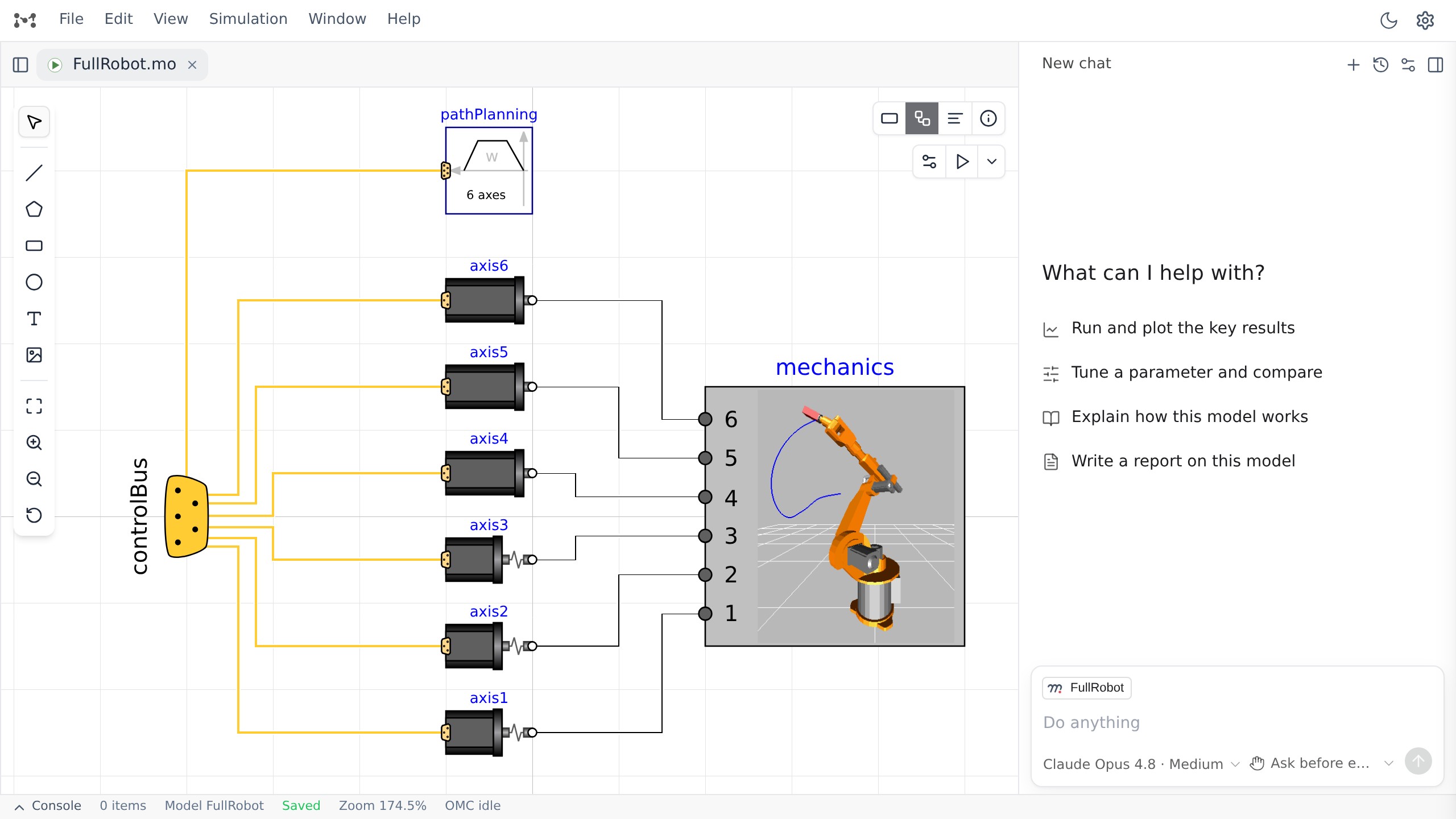
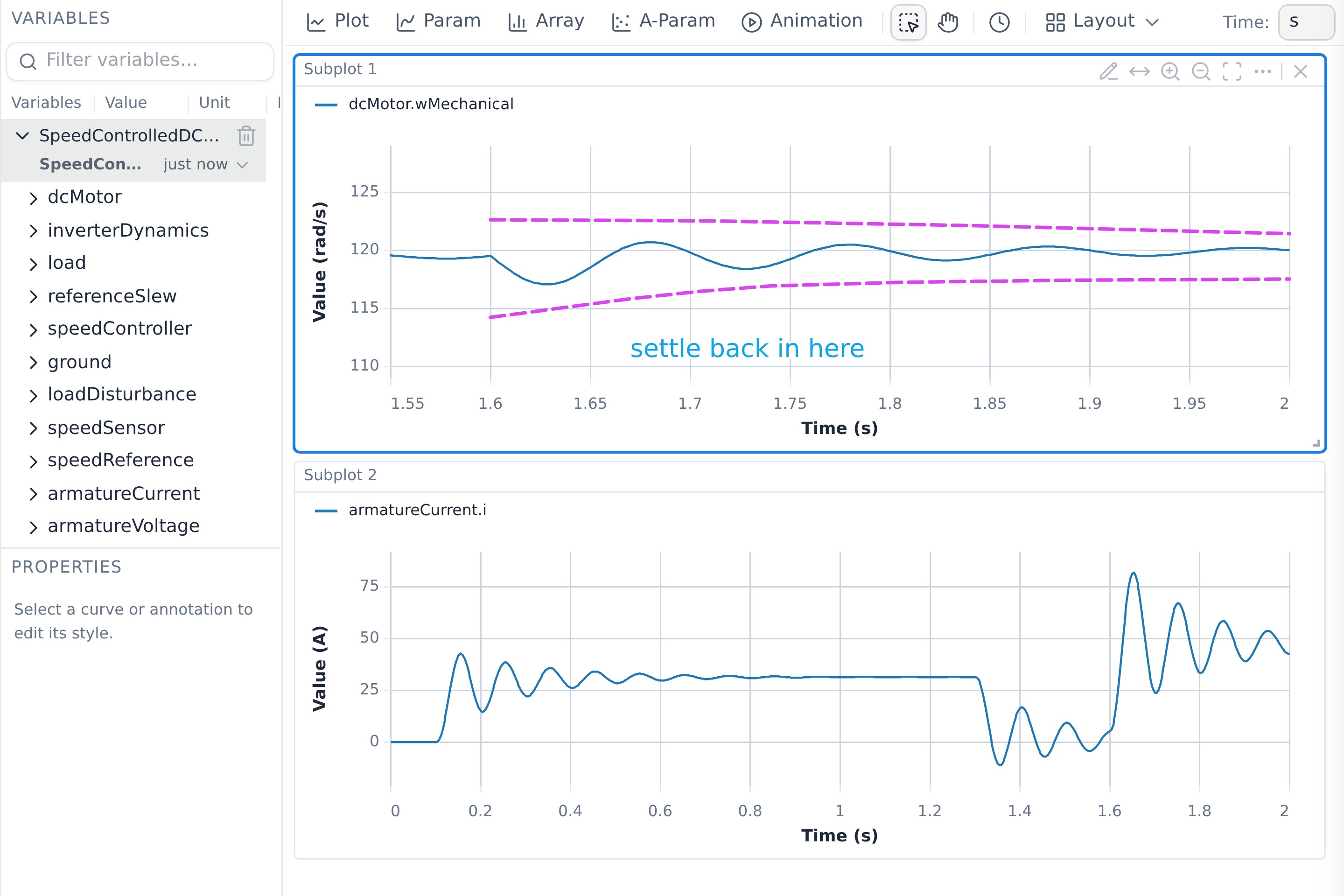
Modex is Modelica-native today: it edits plain .mo files and runs
them with the open-source OpenModelica compiler or, as a beta in the desktop
app and the VS Code extension, with your own separately licensed Dymola. The
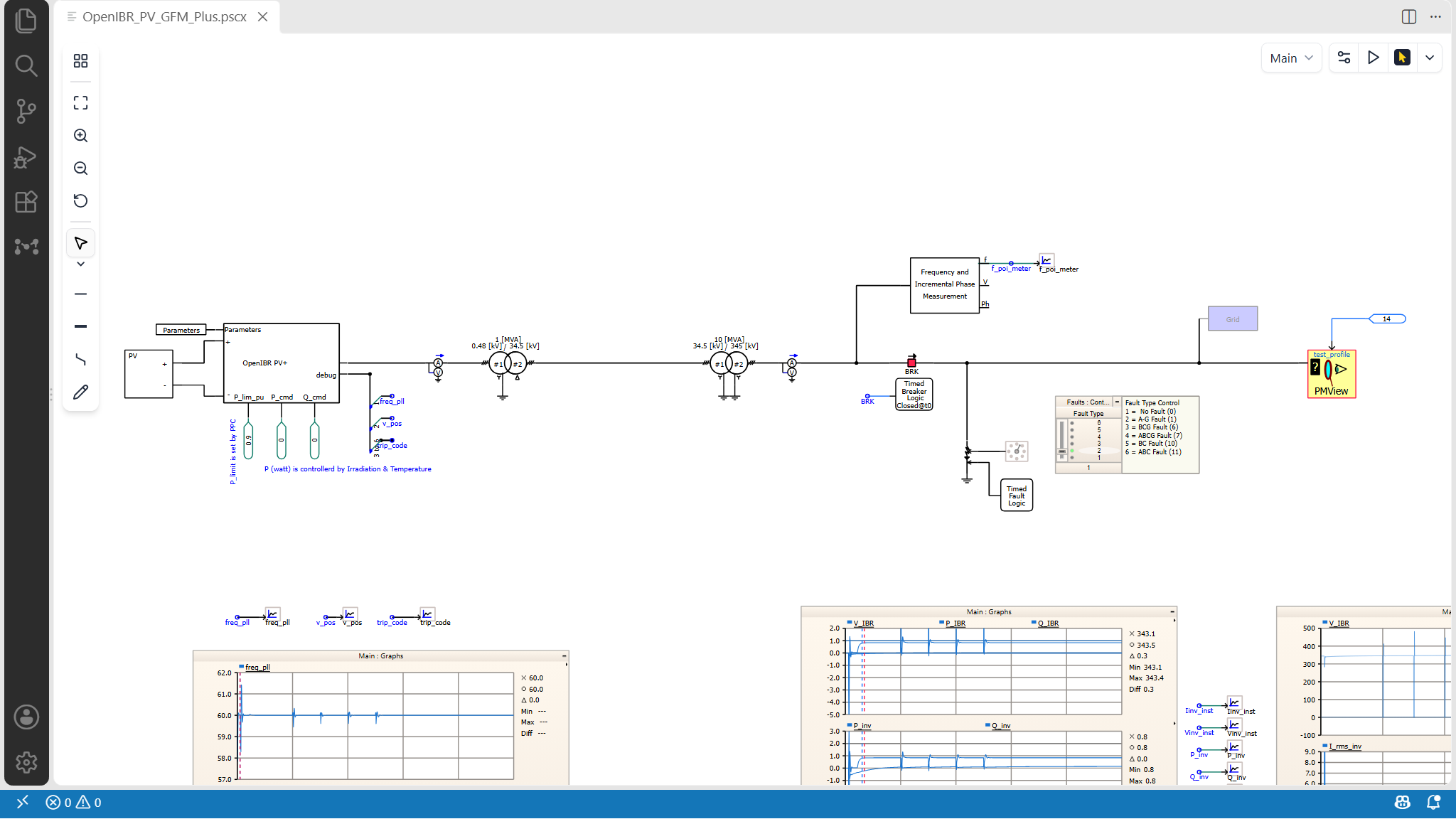
desktop app and the VS Code extension can also open and edit PSCAD EMT projects
in place, through the separately installed AgenticEMT package (preview).
Support for other engineering tools, including Simulink, is in development.
What do I need to run a simulation?
A Modelica compiler on your own machine. Modex supports the open-source OpenModelica compiler today, and the desktop app walks you through setting it up on first run. The desktop app and the VS Code extension can also run your own licensed Dymola, as a beta. Models, simulation results, figures and documents all live as files on your own disk.
Does Modex work with my existing Modelica files?
Yes. Plain-text .mo files on disk are the source of truth. Modex works
directly with existing Modelica source and the Modelica Standard Library, so your
models do not need to be converted into a Modex-specific format.
Can I write up the results in the same place?
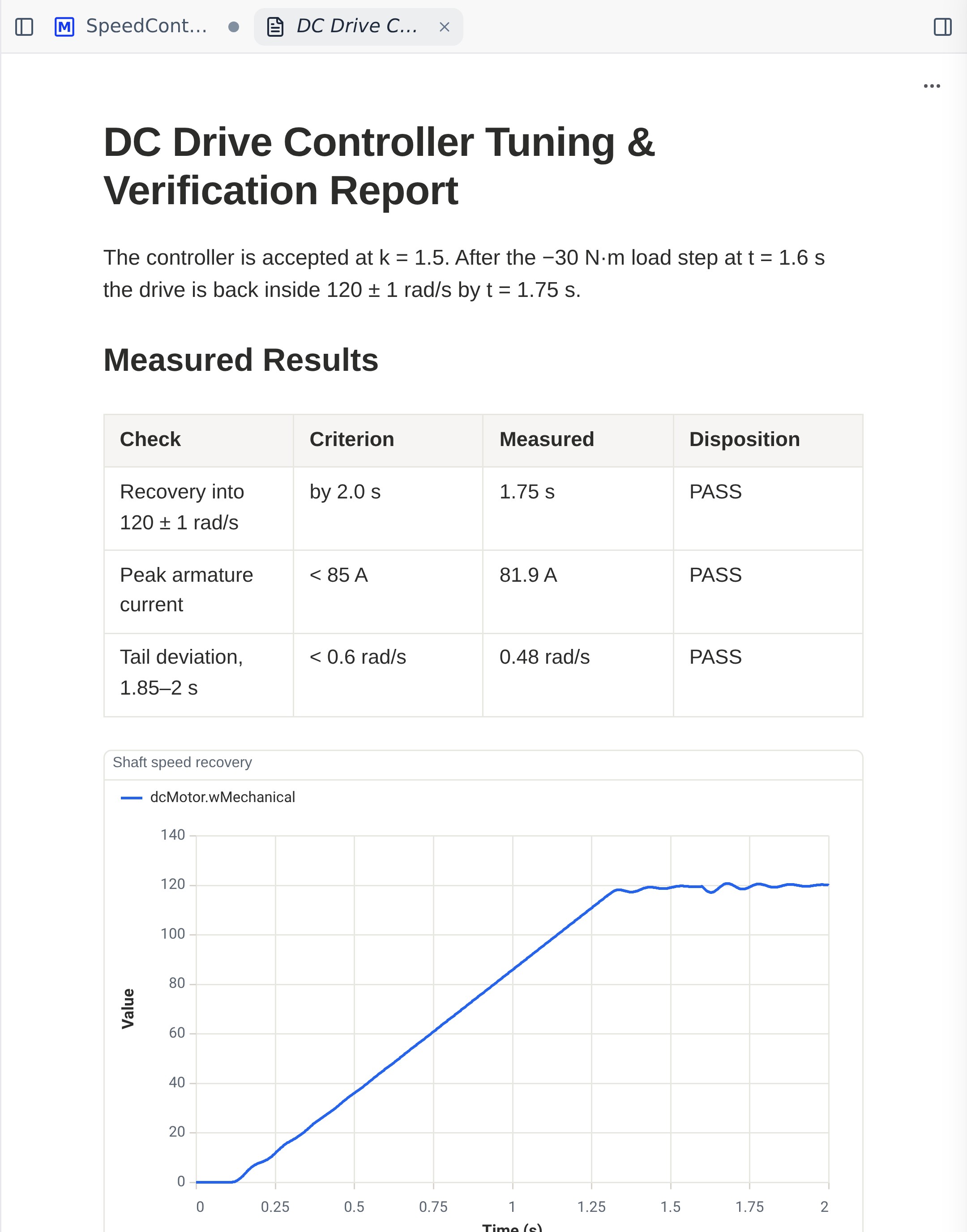
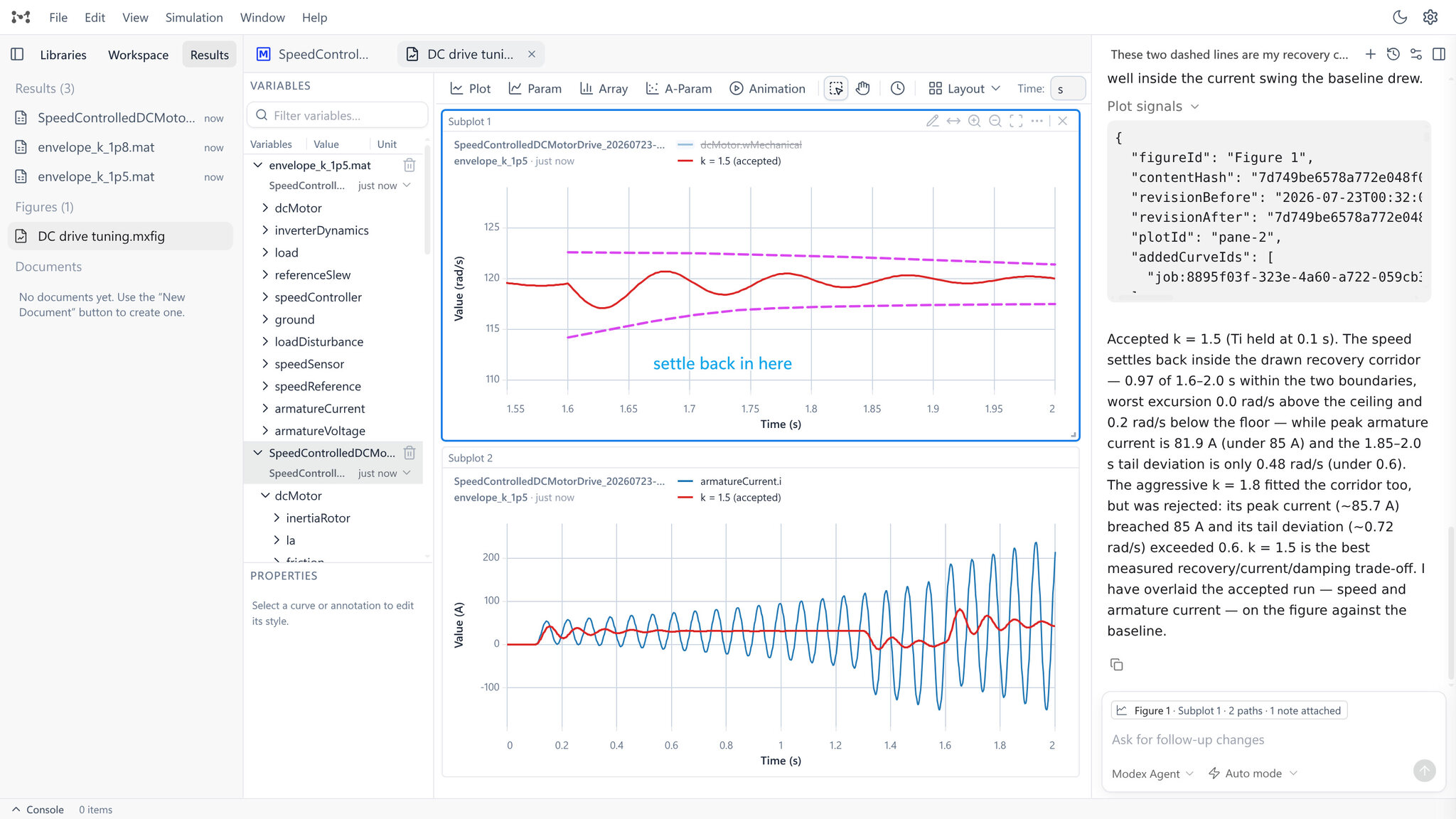
Yes. Documents live in the workspace beside the models, so a report can carry
your text alongside tables and plots taken from completed runs, with their
source preserved. In Modex Desktop you can also write LaTeX: a .tex
file compiles when you save it, and the PDF opens in Modex's own reader. Modex
installs the TeX toolchain for you when you ask.
Where can I get Modex?
Modex Desktop is available as a Windows-only public preview. The extension is available from the Visual Studio Marketplace and Open VSX. The downloads page also provides direct links for compatible editors including Cursor, Windsurf, VSCodium, and Google Antigravity.
Can I use my own AI agent instead of the built-in one?
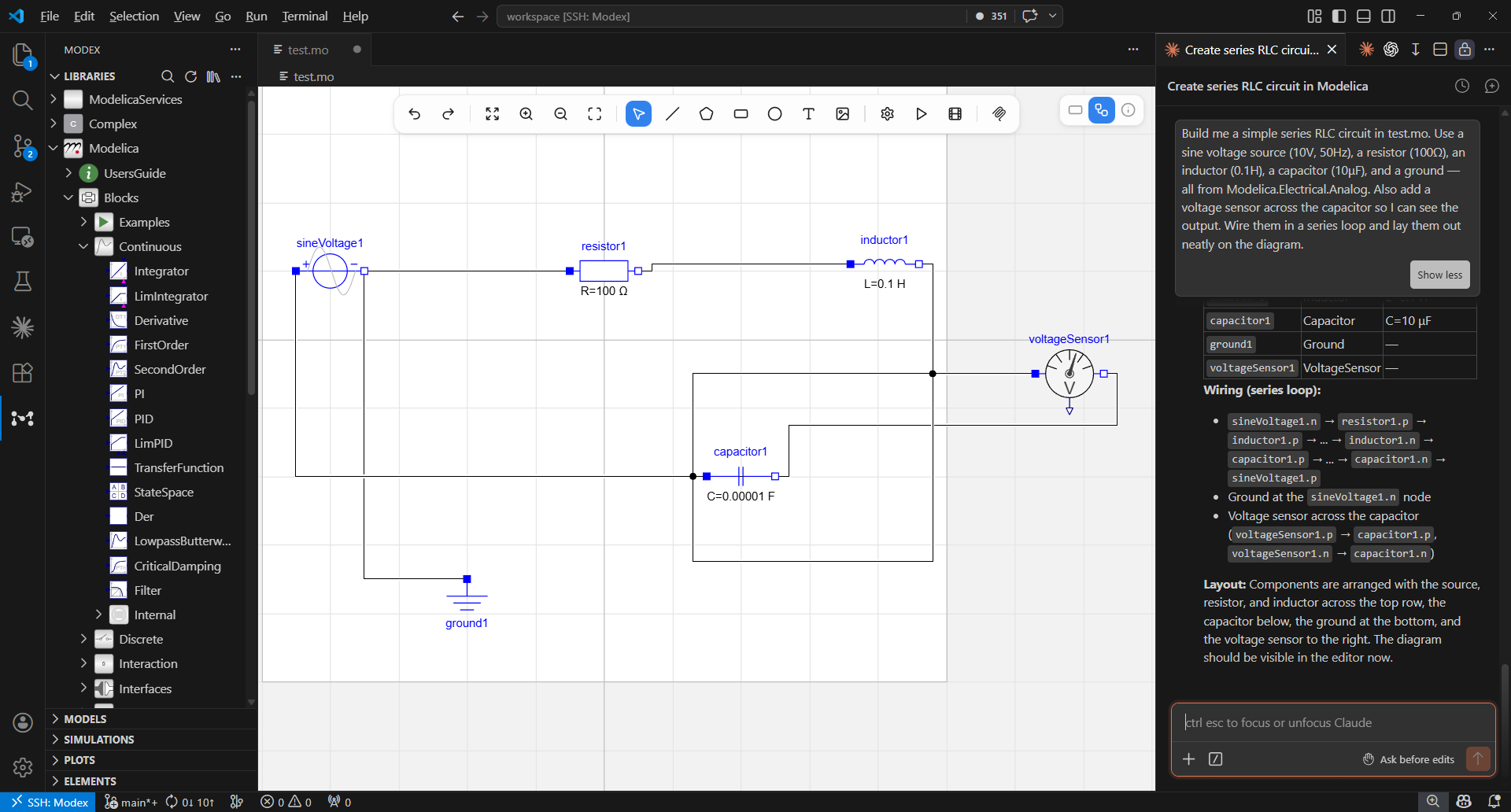
Yes. Modex exposes its modeling tools over MCP. Use Settings → MCP in Desktop, or Agent Tools in the released VS Code extension, to connect Claude Code, OpenAI Codex, Claude Desktop, Gemini CLI, OpenCode and Kiro; Cursor and any other MCP client take a copied config snippet. Your agent can then search the library, edit the diagram, run simulations and read the results through the same modeling-tool interface.
What stays local, and what can be sent to an AI provider?
Your model files and simulation outputs are stored locally. When you explicitly submit an AI request or use external automation, relevant selected context or tool results may be sent to the runtime or provider you chose. See the privacy page for details.